Menus
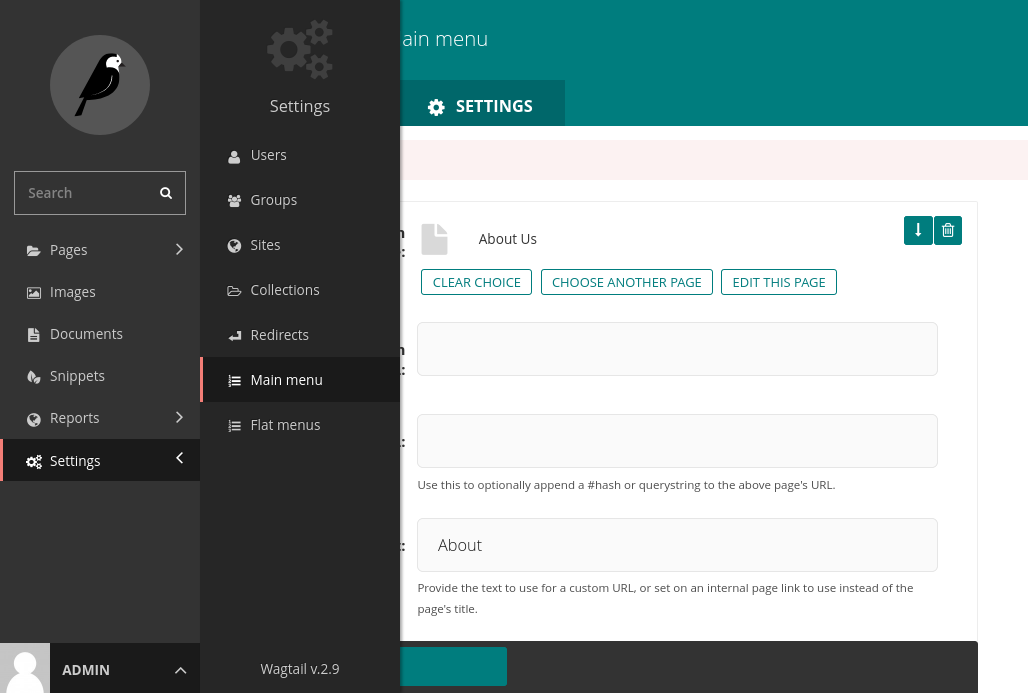
To add items to the main menu, from the main admin sidebar, select “Settings” >> “Main menu”.
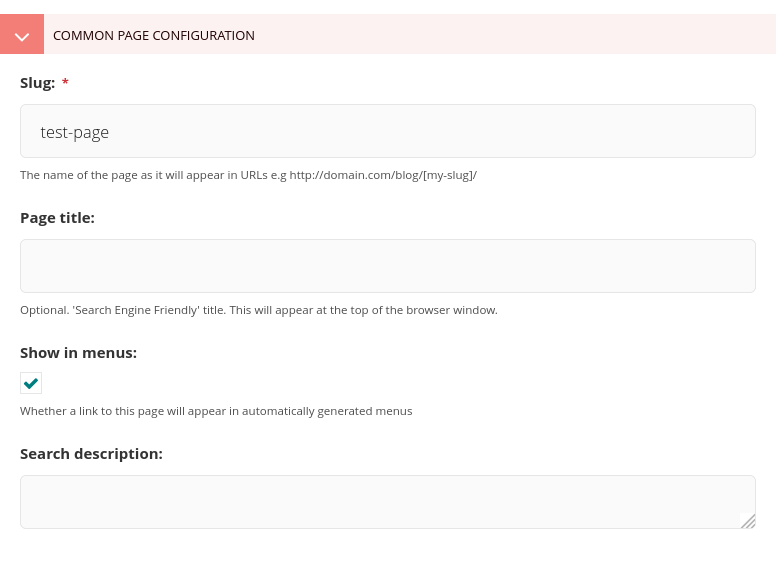
For a page to be displayed on the main menu, “Show in menus” must be selected under its “Promote” tab.
To add items to the main menu, from the main admin sidebar, select “Settings” >> “Main menu”.
For a page to be displayed on the main menu, “Show in menus” must be selected under its “Promote” tab.