Editing Content
Some sections of web pages are open-ended in terms of the content they can hold. Here are some basic tips when editing these areas.

Tables
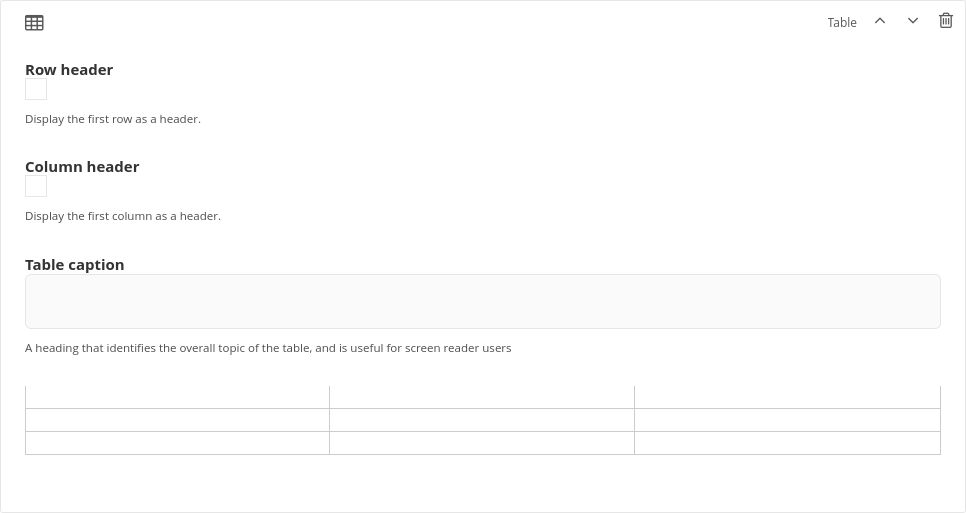
When editing pages with tables, on some browsers, the content of the tables does not appear when you initially open the editing interface. Try adjusting the width of your browser slightly and the content should show up.
To create a new line within a table cell, type Alt+Enter.

Heading